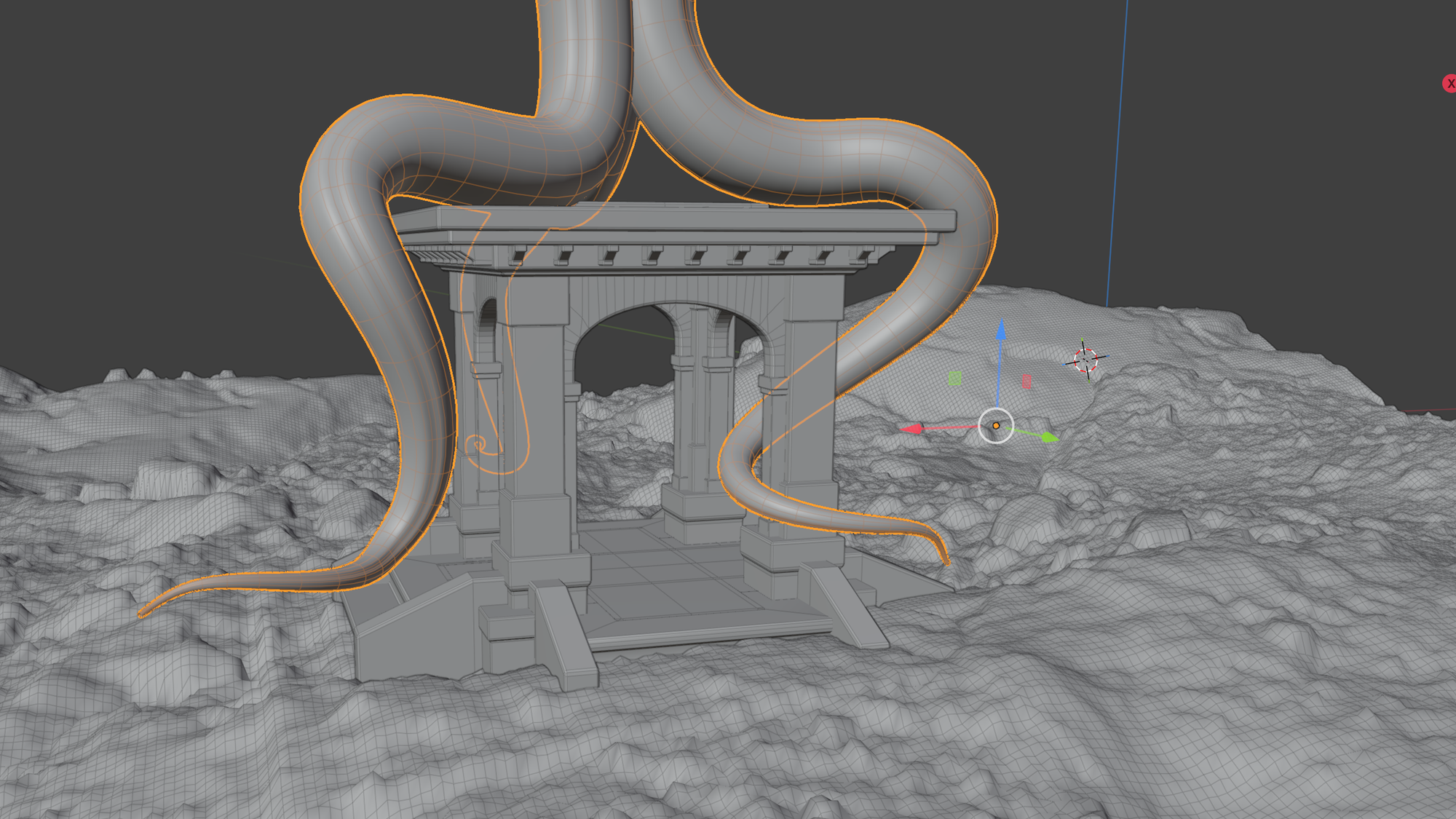
Utilities programmed in PureBasic :
png_color_map.zip
- image_name.inc : stores the colors as an array
- image_name_cm.inc : a standard color_map definition
- pov_name.POV : POV scene to render/check color_map
The image width is used to define the map and only the first row along the 'x' is read - meaning the png image only needs to be 1 pixel tall
x3d_blender_points
Reads a .x3d file exported from Blender and writes POV .inc files using a naming convention in Blender. Any object with the prefix 'pointData' will write back to the POV files. Set the .x3d export switches to: Use 'selected' objects only. Foward +Z Up +Y. The program creates a directory 'file_export' in the same location as the .x3d file and writes the following .inc files.
- array.inc
- blob.inc
- cones.inc
- cubic_spline.inc
- lathe.inc
- linear_spline.inc
- prism_y.inc
- prism_z.inc
- spheres.inc
Order of creation or alphabetical object names in Blender determines the output order in the export files. Use Blender's batch re-name for objects not named pointData*.* I added a camera and light to verify the data
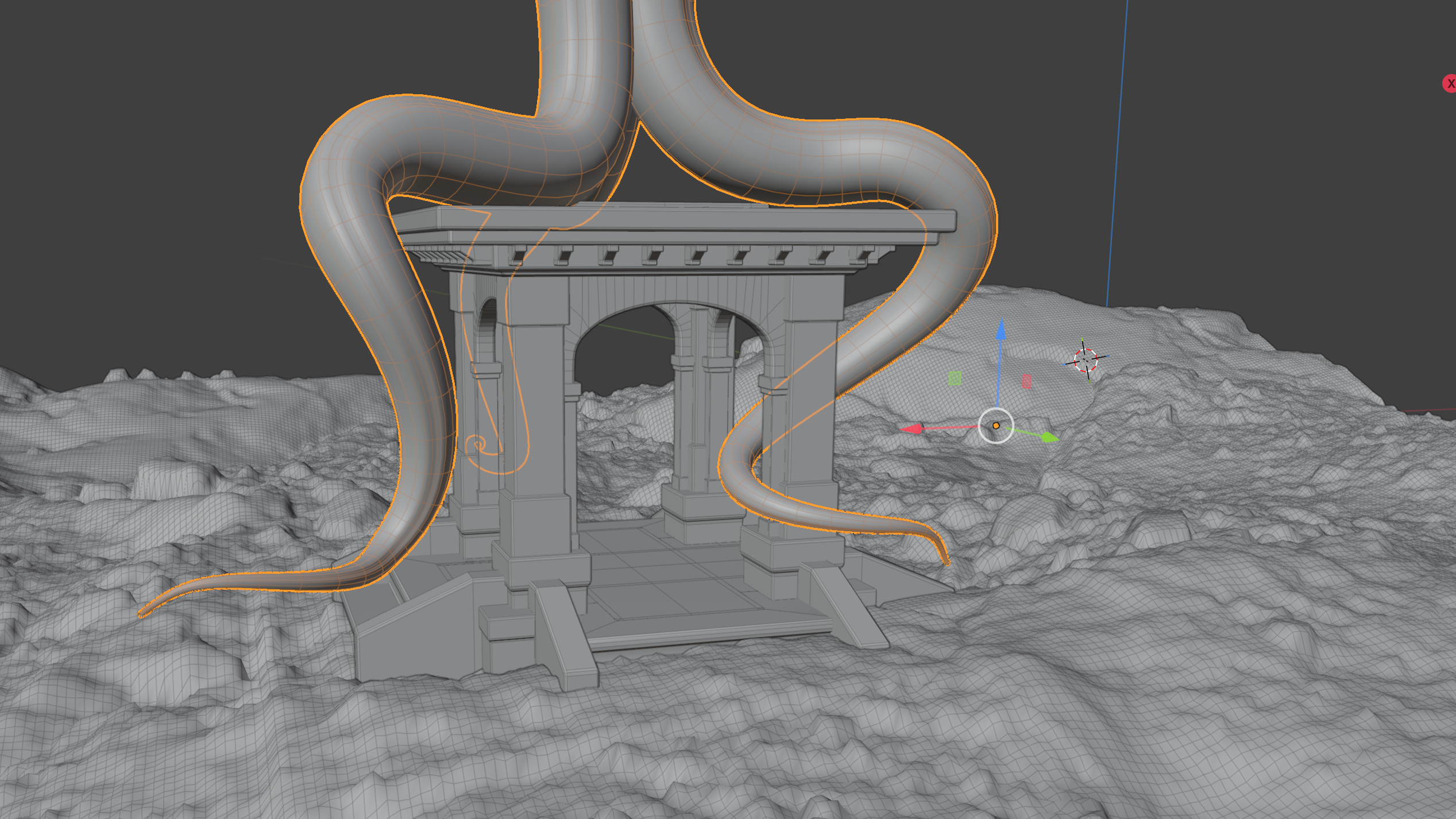
obj_to_POV.exe
Reads a .obj (wavefront) file and writes a POV .inc file of smooths triangles. I'm using Blender to export the .obj meshes and requires the export switches to be set to 'selected objects' only and foward +z. Triangulate the mesh or set the export switch to do so.
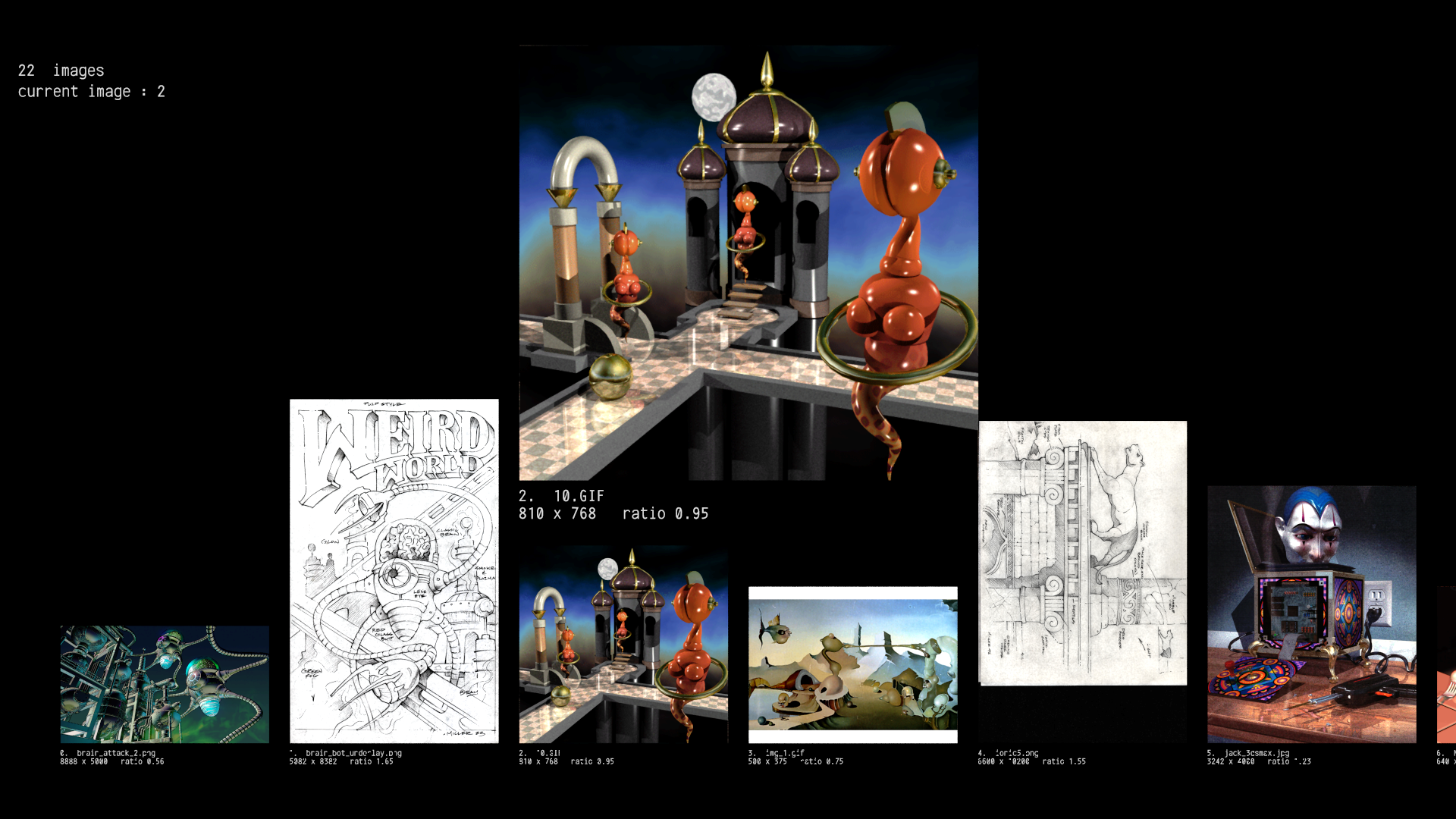
scan project images
I use this utility to create an 'image list' array for my project's image viewer. It recurses the selected directory and finds .gif, .png, .jpg, .hdr files add writes 'image_scan.pov' in the processed directory.
I Added a quick & crude POV viewer to confirm the read. I haven't found a .hdr decoder for my pureBasic environment so the size for .hdr files is set to 100x100
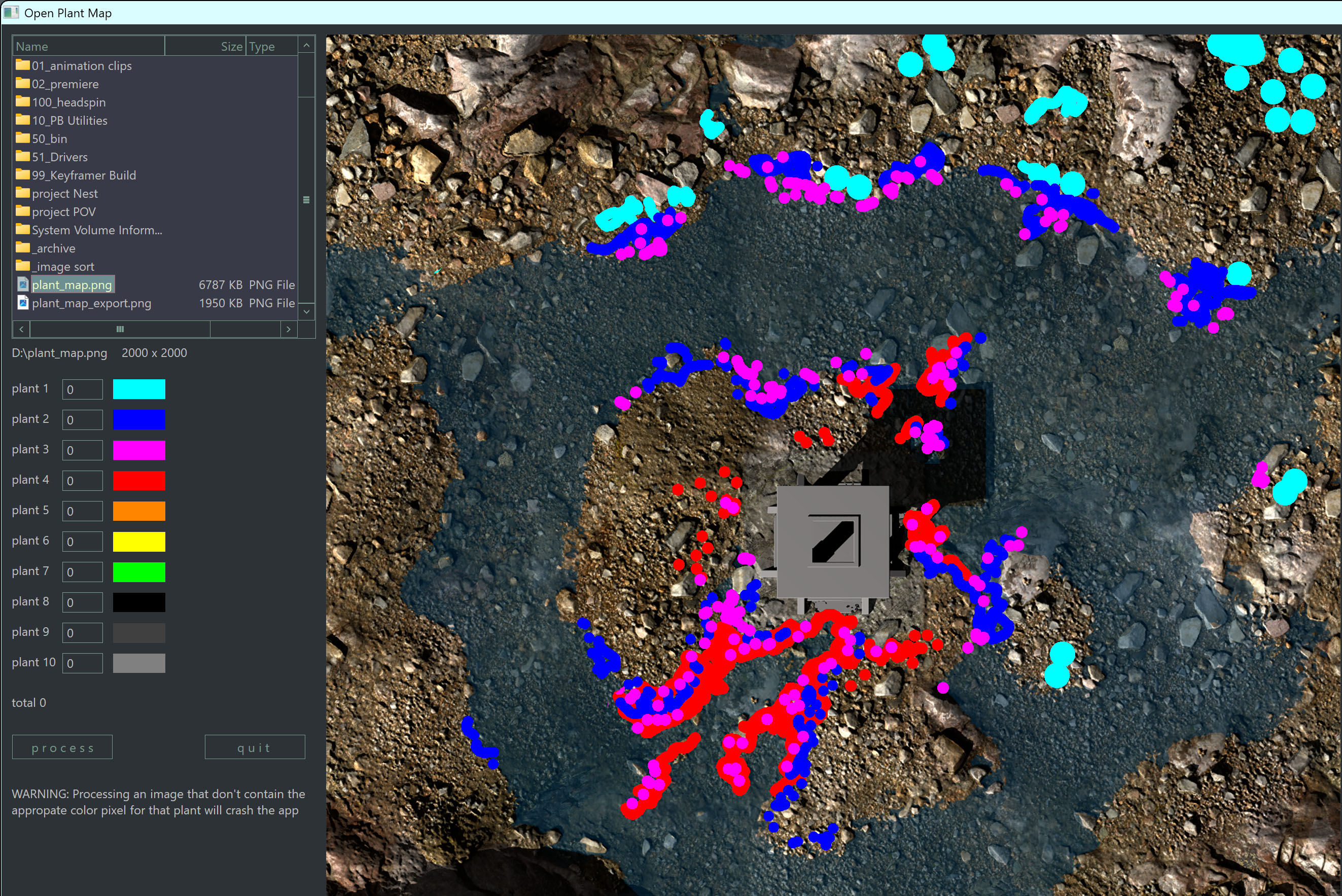
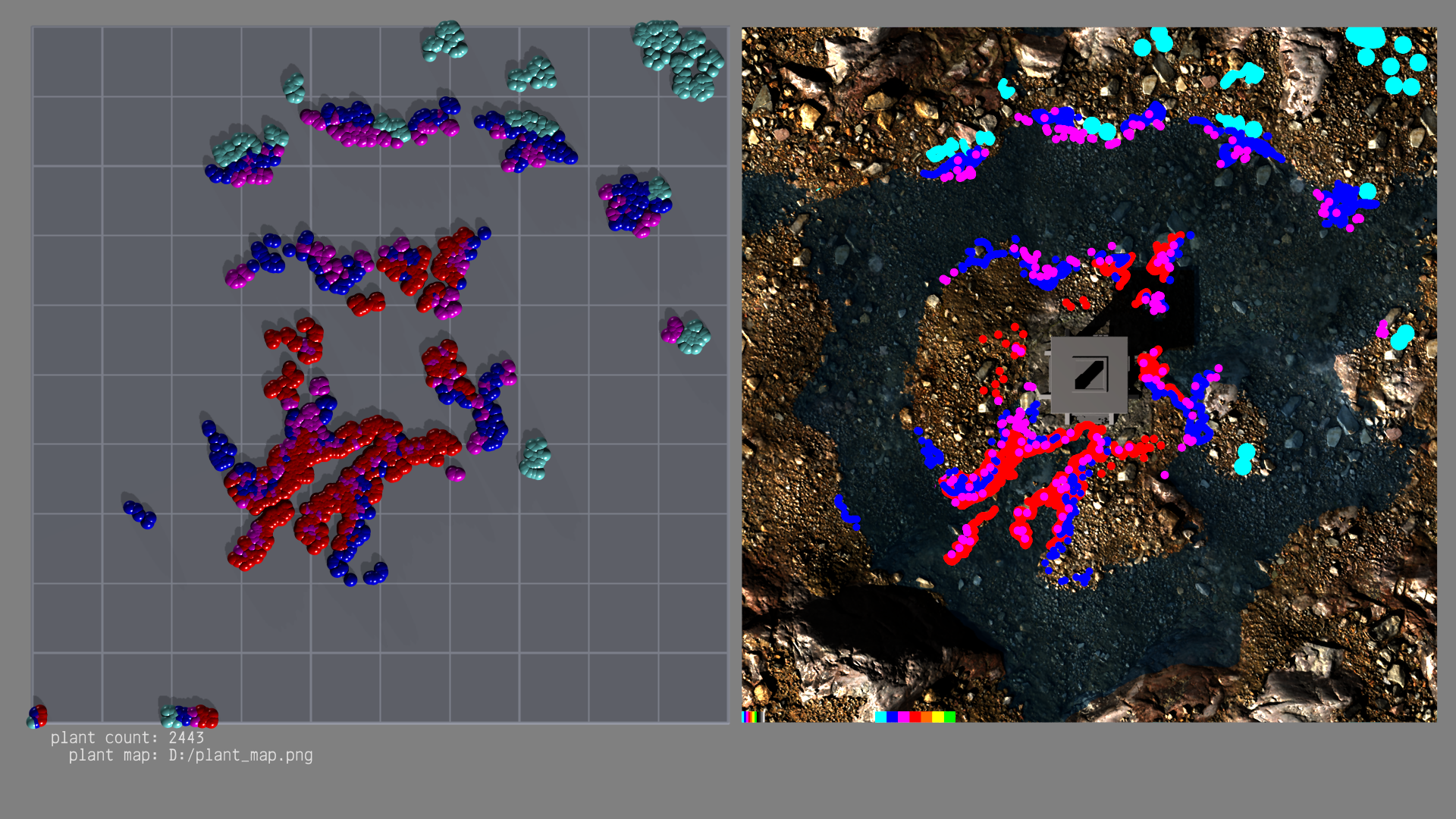
write plant map
- Generates a .inc file of object position and corresponding object type. The tool scans for 10 predefined colors, and each color is mapped to a different object. For example, if you enter a count of 100 for “Plant 1” and run the process, the program will repeatedly sample random locations across the image until it has found 100 positions whose pixel matches the RGB color for that plant (e.g., Plant 1 = “teal” color) and write the object array to the exported file. I add a simple viewer to compare the plant/object positions to the map file.